
Every January, the same thing happens. A contractor opens the mail, sees a reminder about 1099s, and realizes they paid a dozen subs last year and have W-9s from a fraction of them. Then comes the scramble: texting a drywall guy you haven’t talked to since June, guessing at totals, and hoping the IRS doesn’t notice.
It doesn’t have to go that way. And for 2026, there’s actually good news: the rules changed in your favor.
The big change for 2026
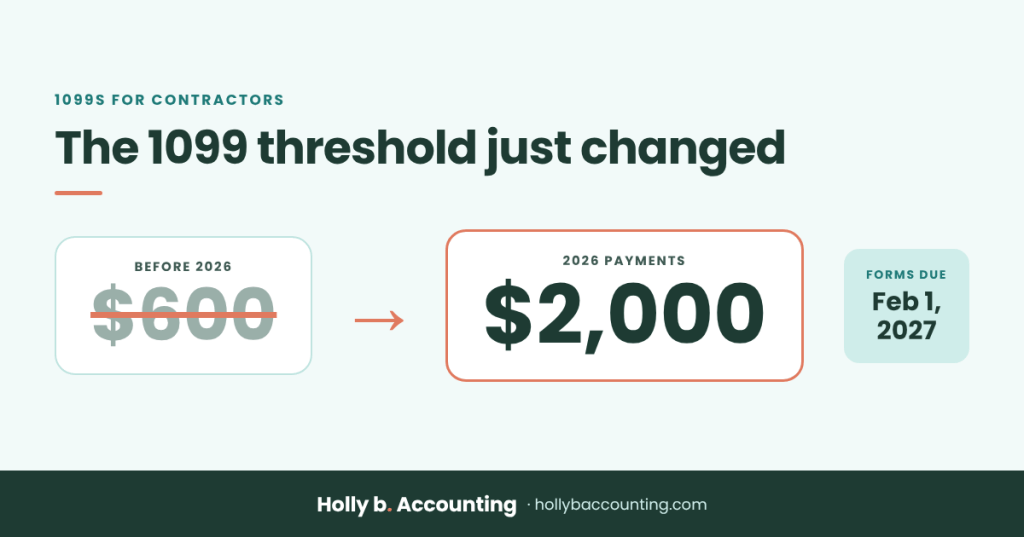
The reporting threshold for Form 1099-NEC jumped from $600 to $2,000 for payments made in 2026. If you paid a sub less than $2,000 all year, you generally don’t owe them a 1099 for 2026. After 2026, the IRS adjusts that amount for inflation each year.
Fewer forms is nice. But the subs you pay the most still need one, and the deadline and penalties haven’t gone anywhere. Here’s exactly what to do, start to finish.
Who needs a 1099 from you
You generally owe a sub a 1099-NEC when all of these are true:
- You paid them for work in your business, like framing, electrical, plumbing, drywall, painting, or cleanup. Labor and materials billed together on the same invoice both count.
- You paid them $2,000 or more during 2026.
- They aren’t a corporation. Sole proprietors, partnerships, and most LLCs get a 1099. Corporations usually don’t, and their W-9 tells you which they are.
A few common exceptions trip people up:
- Paid by credit card, Venmo, or PayPal for business? Those payments are reported by the payment company, not by you. Leave them off your 1099s.
- Materials only from a supplier? Buying lumber from the yard doesn’t need a 1099. It’s the services that do.
- Attorneys always get one, even if they’re incorporated.
- Held back tax from a sub? If you did backup withholding (more on that below), they get a 1099 no matter how little you paid them.
When they’re due
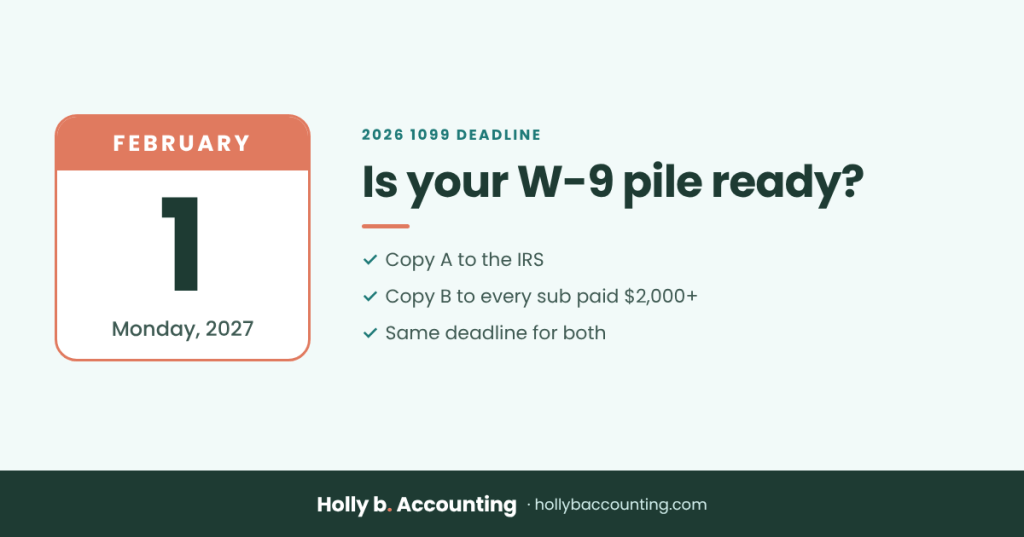
Two copies go out by the same deadline: Copy A to the IRS and Copy B to your sub. The deadline is normally January 31. January 31, 2027 lands on a Sunday, so for your 2026 forms the deadline moves to Monday, February 1, 2027.
What late or missing 1099s cost
The IRS charges a penalty per form, and it climbs the longer you wait. For returns due in 2026, the amounts were:
- $60 per form if you file within 30 days of the deadline
- $130 per form if you file by August 1
- $340 per form after August 1, or if you never file
- $680 per form for intentional disregard
The IRS adjusts these for inflation each year, so expect them to be a little higher for forms due in 2027. The penalty can also apply twice: once for the IRS copy and once for your sub’s copy. Ten subs filed late can turn into thousands of dollars fast.
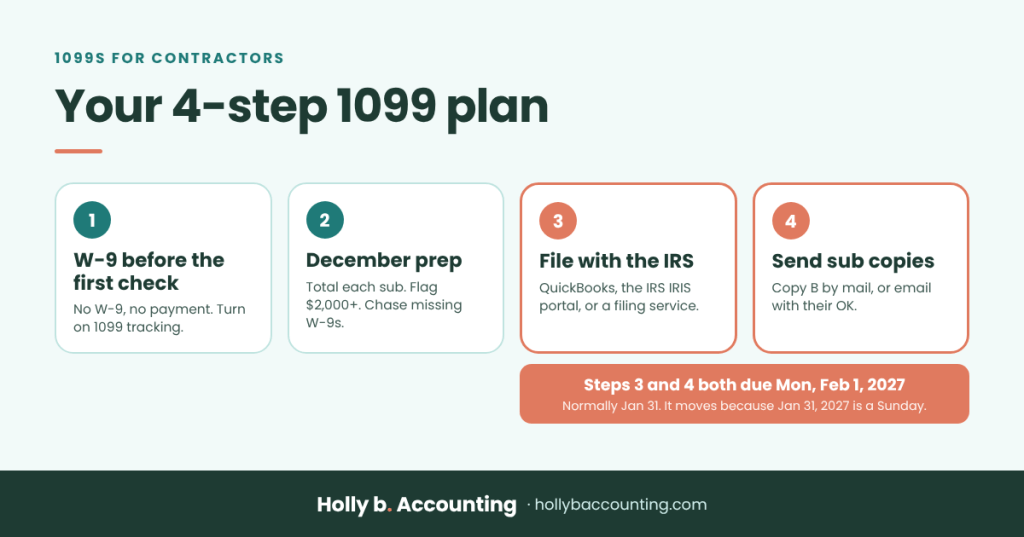
Step 1: Get compliant all year (W-9s before the first check)
Almost every January 1099 problem is really a W-9 problem. The fix is simple: no W-9, no check. Collect it before you pay a new sub for the first time, when they’re motivated to get paid.
- Get a signed W-9 with their legal name, business name, tax ID, and tax classification. The IRS has the current form at irs.gov/FormW9.
- Turn on 1099 tracking in QuickBooks Online. Open the vendor, check Track payments for 1099, and enter their tax ID. Do it the day you set them up, not in January.
- Grab a certificate of insurance too. This one isn’t a 1099 rule, but it’s worth doing at the same time. Your workers’ comp insurer typically audits your policy once a year and asks for proof that your subs carried their own coverage. Subs who can’t show it may be counted as your employees, which can raise your premium. Keep a current certificate on file for every sub, and watch the expiration dates.
There’s a money reason to get the W-9 up front. If a sub you pay $2,000 or more won’t give you a valid tax ID, the IRS expects you to hold back 24% of their payments (called backup withholding) and send it in. Nobody wants that headache.
Step 2: Your December prep list
Do these before the holidays and January becomes a 30-minute job instead of a week of panic:
- Pull a list of everyone you paid in 2026 who isn’t an employee. In QuickBooks Online, the 1099 transaction detail report is a good start.
- Total what you paid each one, and leave out anything paid by credit card or a payment app.
- Flag everyone at $2,000 or more who isn’t a corporation.
- Check you have a W-9 for each one, with a name and tax ID that match exactly. A mismatch is one of the most common reasons a 1099 gets kicked back.
- Chase any missing W-9s now, not in late January when your subs are busy too.
- Confirm mailing or email addresses for every sub, since they need their copy by the deadline too.
- Pick how you’ll file (next section), and if you’re using the IRS’s free portal, apply for access now.
Step 3: Pick the easiest way to file
You have four options. For most contractors, the first one is the easiest.
Option 1: QuickBooks Online (easiest if your books are already there)
QuickBooks Online has a built-in 1099 tool. It walks you through confirming your company info, matching your expense accounts to the right 1099 box, and reviewing each sub’s total. Then it e-files with the IRS and can send your subs their copies. Intuit charges a per-form fee, but if your vendors are already set up for 1099 tracking, this takes minutes.
Option 2: The IRS’s free IRIS portal
The IRS lets you e-file 1099s for free through its Information Returns Intake System (IRIS) Taxpayer Portal. You type in each form or upload a file. The catch: you need an IRIS Transmitter Control Code first, and the IRS says approval can take up to 45 days. Apply by mid-December if you want to go this route. You’ll also send your subs their copies yourself.
Option 3: An online 1099 filing service
Online services will e-file with the IRS, file with many states, and mail or email your subs’ copies, for a few dollars per form. A good fit if your books aren’t in QuickBooks.
Option 4: Paper (only if you have fewer than 10)
If you’re filing 10 or more information returns in total (1099s and W-2s together), the IRS requires you to e-file. Under 10, you can still mail them, but you can’t print Copy A from the internet: the IRS only accepts its official scannable forms, which you order at irs.gov/EmployerForms. Order early, and include Form 1096, the summary sheet that goes with paper 1099s.
Step 4: Send your subs their copies
Your sub gets Copy B by the same February 1 deadline. You can mail it, or email it if they’ve agreed to get it electronically. Many states also want a copy, so ask your CPA whether yours does. Then file your copies and the W-9s somewhere you can find them, because the IRS can ask about them for years.
How I handle 1099s for clients
For my monthly clients, 1099s are boring, and that’s the goal. W-9s get collected before a sub’s first payment, and 1099 tracking happens all year, so January is just pulling a report that’s already right. That’s included in monthly bookkeeping. If you also want me to e-file the forms or keep your subs’ insurance certificates and lien waivers on file, those are add-ons. See what’s included.
Not sure where your books stand?
If your vendor list is a mess and you’re not sure who you even paid this year, start with a free books health check. You’ll get a score, your top risk areas, and what it would take to get clean before January hits.
This post is general information, not tax advice. Holly b. Accounting isn’t a CPA firm, so check your specific situation with your CPA. Sources: the $2,000 threshold, the free IRIS portal, and the 10-form e-file rule are from the IRS page Am I required to file a Form 1099 or other information return? Penalty amounts are from the IRS information return penalties page.


Leave a Reply