
⏱ Time: 15 minutes
Have open: The Category List and your Starter Spreadsheet
Job costs vs. overhead is the split that tells you whether you’re pricing jobs right, or quietly working for free. Get it right and you’ll see your real margin on every job, plus what each job has to cover just to keep the lights on. It’s honestly one of my favorite things to get right in a contractor’s books!
This uses the Category List from The Contractor’s Bookkeeping Toolbox: a numbered list of contractor categories, matched to the Starter Spreadsheet and to QuickBooks.
Job costs vs. overhead: the one-question test
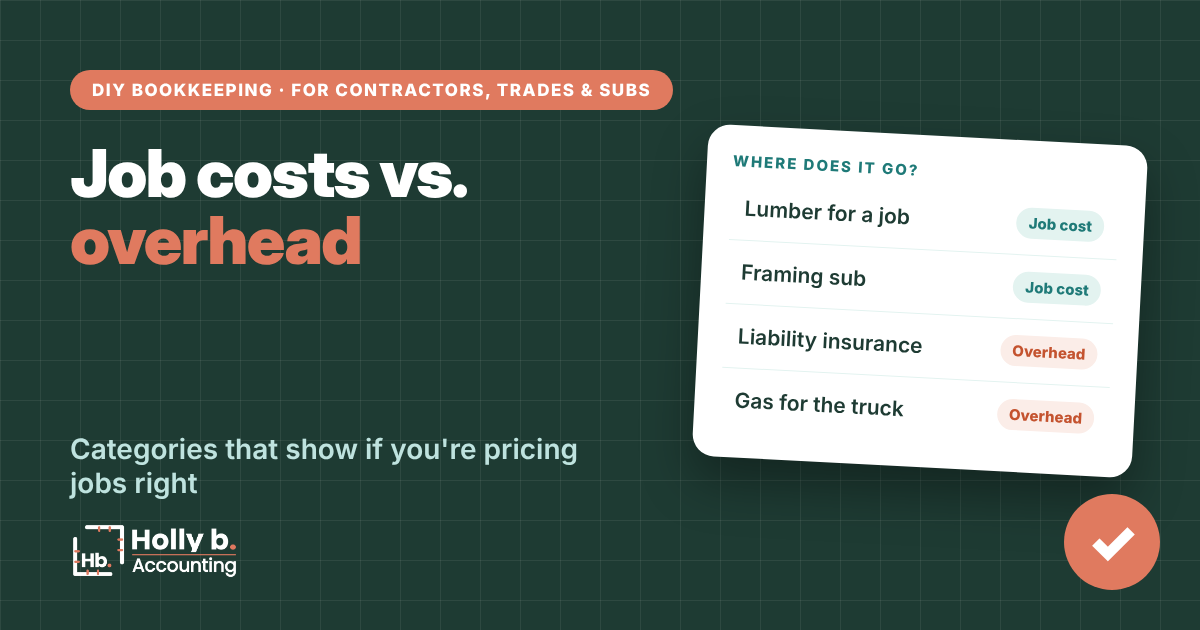
Ask: would I have spent this if I didn’t have this job?
- No? It’s a job cost. Subs, materials, delivery fees, your field crew’s pay, a rental for that job, permits, dump fees.
- Yes? It’s overhead. Advertising, fuel, insurance, phones, software, small tools, office pay, shop rent.
The gray areas
- Fuel and truck repairs: overhead, even on the drive to a job. Splitting every gas fill-up by job isn’t worth your Saturday.
- A tool you’ll keep using: overhead (Small tools & supplies), even if you bought it for one job.
- Your field crew vs. your office help: crew pay is a job cost (Direct labor). Office pay is overhead.
- A truck, trailer or big equipment: neither. It’s an Equipment & vehicle purchase, and your CPA decides how to write it off.
Without QuickBooks
Set up your categories
- Open the Category List and check the Where Does It Go tab for anything you’re unsure about. It’s A to Z.
- On your Setup tab, look at the Type column next to each category. Job cost or Overhead decides where it lands on your Profit & Loss.
- Need a new one? Fill in a peach spare line and pick the right Type.
- On the Transactions tab, tag every job cost to its job. Overhead stays blank.
In QuickBooks Online
The same split in QuickBooks
- Job costs use the Cost of Goods Sold account type. Overhead uses Expenses.
- The Category List gives the QuickBooks account type and detail type for every category, so you can match them one for one.
- Want the numbers too? Turn on account numbers under Settings, Advanced, Chart of accounts.
- Add the customer or project to every job cost so it shows up in job reports.

Spreadsheet vs. QuickBooks
Spreadsheet: the Type column on your Setup tab decides job cost or overhead. Change it once and every report follows.
QuickBooks: the account type decides. Put a job cost under Expenses and your gross profit looks better than it is.
Common mistakes
- Dumping everything in Materials. It’s easy in the moment, but your job margins end up meaningless. You’ll have no idea which jobs actually paid.
- Too many categories. If you can’t tell two apart in a second, merge them. Simple wins.
- Forgetting to tag the job. The cost counts in total, but not on the job that caused it, so that job looks way better than it really was.
- Putting a truck payment in job costs. The interest is overhead. The rest pays down the loan (see the truck and equipment loan guide).
Quick questions
What’s gross profit?
Income minus job costs. It shows what your jobs earned before overhead.
Is my own time a job cost?
Not if you’re a sole owner or single-member LLC. What you take out is an owner draw, not an expense.
Do I have to use these exact categories?
No. Rename anything. Just keep each one clearly a job cost or overhead.
Why does it matter where fuel goes?
It doesn’t change your total profit, only your job margins. Pick one way and stick with it.
Holly b. is a construction bookkeeper who’s spent many years in contractors’ books. She writes these so you can do your own, or so you’ll know who to call if you’d rather not.
Leave a Reply