
Every kitchen has one. That drawer with the takeout menus, a handful of dead batteries, a mystery key, and a rubber band from 2019.
QuickBooks has one too. Actually, usually two: Uncategorized Expense and Ask My Accountant. They start out with a couple of “I’ll figure it out later” transactions, and before you know it there’s $14,000 in there and your P&L is fiction. 🙈
Good news: you can make a real dent in five minutes. Let’s go!
The short answer
Open the junk drawer accounts, sort by amount, recategorize the easy ones, set up a bank rule so the repeat offenders categorize themselves next time, and flag the true mysteries for your bookkeeper. Do it weekly and the drawer stays empty.
Why the junk drawer matters
Every dollar sitting in Uncategorized is a dollar your reports can’t explain. Your job costs look lower than they are, your overhead looks weird, and your profit (and the tax set-aside based on it) is a guess. Plus, it’s the first thing your CPA will ask about. Every. Single. Year.
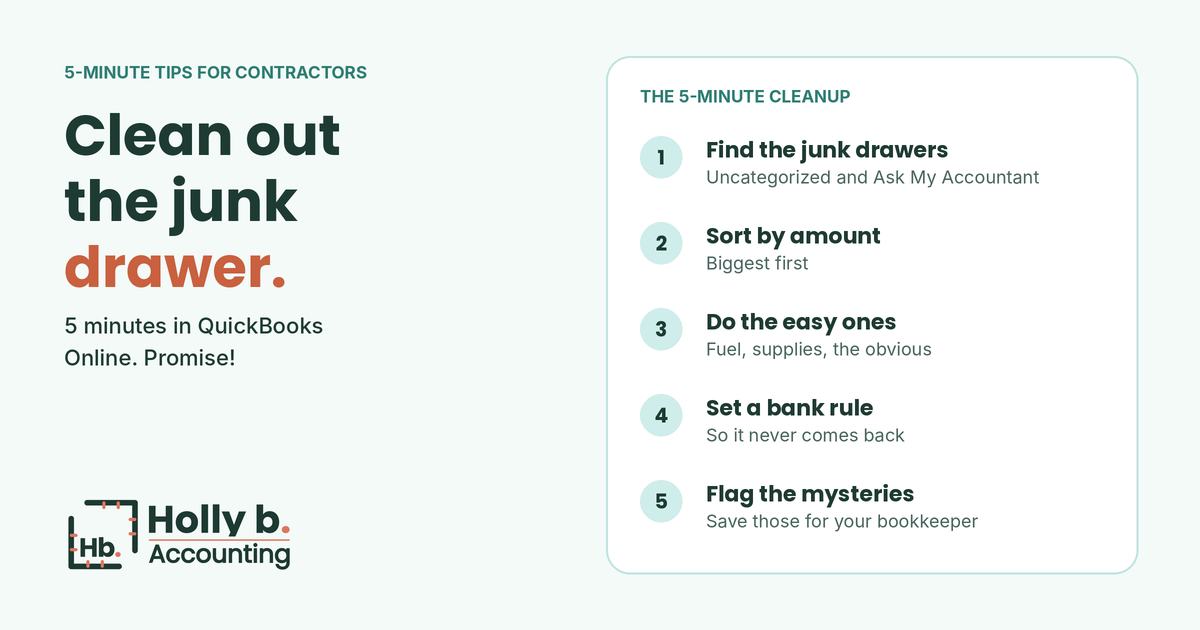
Minute 1: Find the junk drawers
In QuickBooks Online, go to your Chart of Accounts and look for Uncategorized Expense, Uncategorized Income, Uncategorized Asset and Ask My Accountant (if you have it). Click “View register” or run a report on each one. Also peek at your bank feed for anything still waiting in “For review.”
Minute 2: Sort by amount
Biggest first. Fixing one $4,000 supplier payment does more for your reports than fixing twenty $8 coffee runs. Five minutes goes a lot further when you start at the top.
Minute 3: Do the easy ones
You’ll recognize a bunch of these right away: the gas station, the lumber yard, your phone bill, the insurance payment. Recategorize them. And if it went into a specific job, tag the job too! That’s what makes job profit checks possible.
Bookkeeper tip: watch out for things that aren’t expenses at all. A loan payment, a transfer to savings, or money you took for yourself all belong somewhere other than an expense account. If you’re not sure, that’s a mystery. Skip it!
Minute 4: Set a bank rule
Notice the same vendor showing up over and over? Set up a bank rule in QuickBooks so it categorizes itself next time. Fuel, your phone carrier, your software subscriptions and your regular suppliers are perfect candidates. A few good rules can keep a lot of transactions out of the junk drawer for good.
Minute 5: Flag the mysteries
Some transactions are true head-scratchers. A Venmo payment with no note. A charge from a company you’ve never heard of. A deposit you can’t match. Don’t guess! Add a note with whatever you do remember, and save them for your bookkeeper (or a quiet half hour with your statements).
Keep the drawer empty
- Do this once a week. Five minutes weekly beats five hours in March.
- Snap receipts in the QuickBooks app as you go, so you remember what things were.
- Keep personal spending off the business card. It’s the number one source of mysteries!
- Add a memo to Venmo, Zelle and cash payments right when you send them.
Once the drawer’s clean, your reports actually mean something. Here’s how to read your P&L in 5 minutes.
How I make this easier
Emptying the junk drawers is part of every month-end close I do. My clients get a list of the few mysteries I couldn’t solve (with the receipts I need), and everything else is categorized, reconciled and in their month-end package by the 15th. See a sample month-end package.
Is your junk drawer overflowing?
Start with a free books health check. You’ll get a score, your top risk areas, and a straight answer on what it would take to get everything categorized. No pressure, and no judgment. Even if it’s been a while!
This post is general information, not tax or financial advice. Holly b. Accounting is a bookkeeping firm, not a CPA firm.
Leave a Reply