⏱ Time: 5-minute read
Have open: Nothing but your coffee
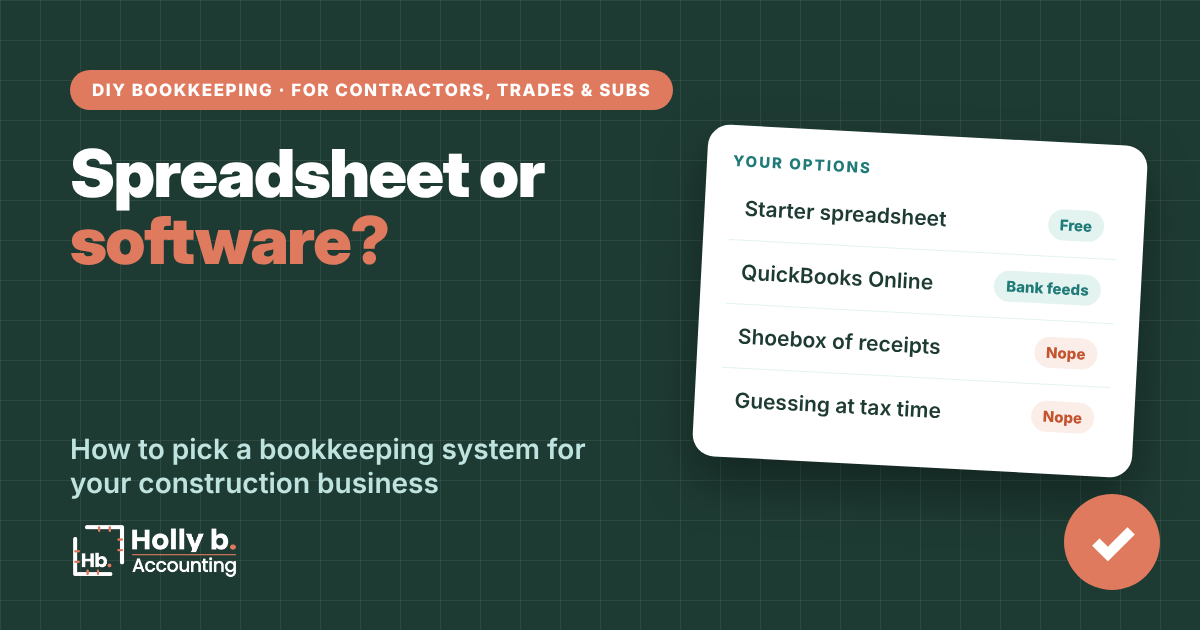
Before you track a single dollar, you need somewhere to put it. (A shoebox in the truck doesn’t count, sorry!) For most contractors doing their own books, it comes down to one question: spreadsheet or software?
Here’s my honest answer. A spreadsheet is a perfectly good bookkeeping system when your business is small and simple. QuickBooks Online earns its monthly fee once you have employees, invoices to chase, or more transactions than you can comfortably type in once a week without wanting to throw your laptop.
Already know you want a spreadsheet? Skip ahead to the next post: setting up your bookkeeping spreadsheet.
What any bookkeeping system has to do
Whatever you pick, your bookkeeping system for your construction business has four jobs:
- Record every dollar in and out of your business accounts.
- Sort each one into a category, like materials, subs or fuel.
- Tag job costs to the job they belong to, so you know which jobs actually made money.
- Match your bank statement every month, so you know nothing’s missing.
A spreadsheet can do all four. So can QuickBooks. The real difference is how much of the work you do by hand.
Without QuickBooks
The spreadsheet route
You type in each transaction from your bank and card statements. The free Starter Bookkeeping Spreadsheet in The Contractor’s Bookkeeping Toolbox does the math for you: profit by month, profit by job, and a Statement Check tab that tells you if you’re balanced.
A good fit if:
- You’re a one-truck (or one-crew) operation.
- You have just a couple of business accounts, like one checking and one credit card.
- You don’t run payroll yet.
- Most customers pay you when the job’s done, so there aren’t many open invoices to track.
Cost: free! Time: a few minutes a week of typing.
In QuickBooks Online
The software route
- Bank and card transactions flow in on their own. Your job becomes reviewing, not typing.
- Bank rules sort your regular vendors into the right category automatically.
- You can send invoices and see exactly who still owes you.
- Projects show profit by job (on the Plus plan and up).
- It connects to payroll, receipt apps and job management software.
Cost: a monthly subscription. If you want profit by job, look at the Plus plan. Prices change, so check Intuit’s current pricing before you buy.
Signs it’s time to move to QuickBooks
Starting on a spreadsheet isn’t a forever decision. These are the signs you’ve outgrown it (congrats, by the way!):
- You run payroll for employees.
- You send invoices and need to track who still owes you.
- You’re juggling more than a couple of bank or card accounts.
- Typing in transactions eats more than an hour a week, and you dread it.
- A bank, lender or bonding company asks for financial statements.
- Your CPA asks you to switch. (They usually have opinions, and they’re usually right.)
Spreadsheet vs. QuickBooks
Spreadsheet: you type every transaction, so you see every dollar. That’s honestly a great way to learn your numbers.
QuickBooks: the bank feed brings transactions in for you, so you spend your time reviewing instead of typing.
A lot of contractors start on a spreadsheet, get comfortable with their categories, then move to QuickBooks with a clean setup already figured out. That’s a smart path, and one I love to see.
Common mistakes
- Buying software and never setting it up. A QuickBooks account with no categories, no rules and a pile of uncategorized transactions isn’t a system. It’s a very expensive junk drawer.
- Waiting until tax time. Twelve months of catch-up in March is pure misery. A little every week is no big deal.
- Using a generic template. Most free templates are built for retail shops, with nowhere to put job costs. Frustrating!
- Mixing personal and business spending. Whatever system you pick, it only works if business money stays in business accounts. (That’s coming up in another post.)
Quick questions
Is a spreadsheet good enough for the IRS?
Yes! The IRS says you can use any recordkeeping system that clearly shows your income and expenses. What matters is that it’s complete and you keep receipts to back it up.
Which QuickBooks Online plan do contractors need?
If you want to see profit by job, look at Plus. It’s the plan with projects and job profitability. If you only need the basics, a lower plan works, and you can upgrade later.
Can I switch from a spreadsheet to QuickBooks later?
Absolutely. Start QuickBooks at the beginning of a month (or better, a year), enter your starting balances, and keep the same categories. The last posts in this series walk through it.
Do I need a bookkeeper to set up either one?
Nope. Both are built so you can do it yourself, and this series walks you through every step.
Holly b. is a construction bookkeeper who’s spent many years in contractors’ books. She writes these so you can do your own, or so you’ll know who to call if you’d rather not.
Leave a Reply