
⏱ Time: 10 to 20 minutes
Have open: Your Starter Spreadsheet’s Statement Check tab and your bank or card statement
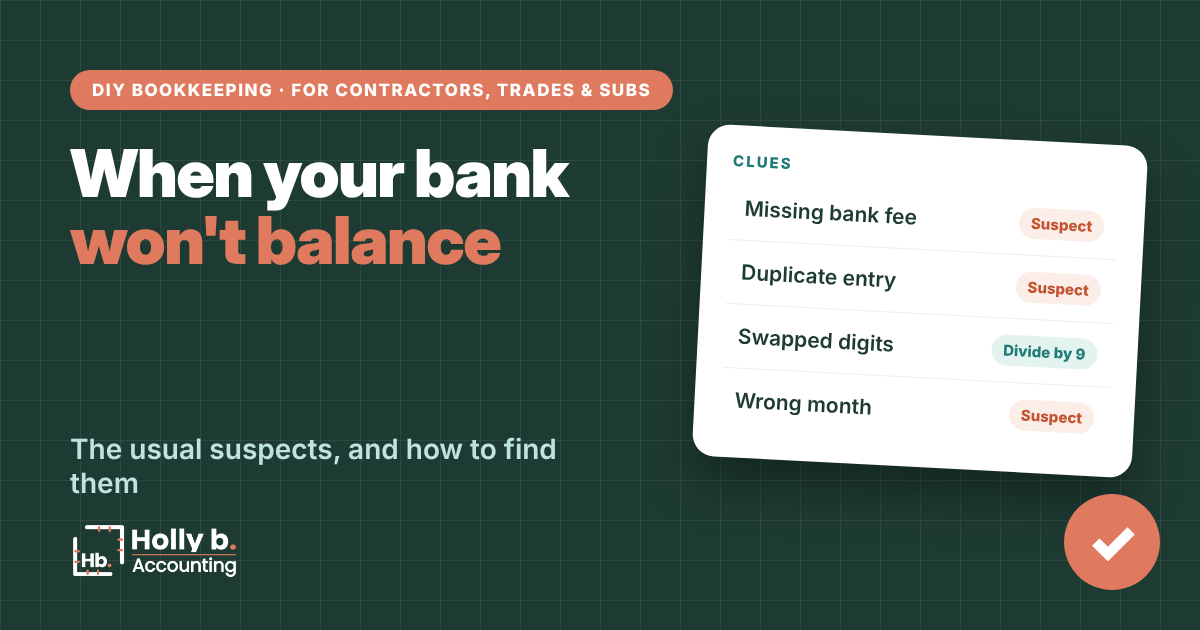
When your bank account won’t balance, the problem is almost always one of a handful of usual suspects. Find it and you’ll trust your numbers again (and get your evening back).
The Statement Check tab in the Starter Spreadsheet from The Contractor’s Bookkeeping Toolbox gives you clues automatically when you’re off.
Start with the difference
The amount you’re off by is your best clue:
- It matches one transaction exactly. That one is missing, or marked Yes or No wrong.
- It’s double a transaction. That one is probably in Money in instead of Money out, or the other way.
- It divides evenly by 9. Two digits got swapped, like 54 typed as 45.
The Statement Check tab runs all three checks for you and names the transaction when it finds one. No clue? The mistake is probably a missing transaction or more than one small error, so go line by line.

The usual suspects
- Bank fees or interest on the statement but not in your books.
- A duplicate. Same date, same amount, entered twice.
- The wrong account. A card purchase entered as checking.
- A transfer or card payment on one side only. It needs both (see the credit cards guide).
- An earned deposit with only one line marked Yes. The two lines that move a deposit into Job income cancel out at the bank, so mark both Yes or neither (see the customer deposits guide).
- The wrong starting balance on your Setup tab.
- A typo in the ending balance you typed from the statement.
- A date in the wrong month. A check written at the end of one month that cleared early the next belongs on the next statement.
- A deposit split two ways. One customer check entered as two payments, or two checks the bank combined into one deposit.
Without QuickBooks
Track it down in the spreadsheet
- Read the Clues section on Statement Check first.
- Check that every statement line is marked Yes and nothing extra is.
- Check your starting balance on Setup against your Dec 31 statement.
- Still off? Go back one month. If last month didn’t balance, this one won’t either.
In QuickBooks Online
Track it down in QuickBooks
- Check the beginning balance in the reconcile window against your statement. If it’s wrong, something from a past month changed.
- Sort the list by amount and look for duplicates.
- Look for transactions dated outside the statement period.
- More fixes: Intuit’s troubleshooting guide.
Spreadsheet vs. QuickBooks
Spreadsheet: most misses are typing mistakes, which the clues catch.
QuickBooks: most misses are duplicates (a downloaded transaction plus one you entered by hand) or an old reconciled transaction someone edited.
Common mistakes
- Plugging the difference. A fake entry to force it hides the real error.
- Starting over from scratch. Work the clues first. It’s usually one line.
- Ignoring last month. A beginning balance problem means the issue is in the past.
- Giving up on small amounts. A few cents can be a swapped digit on a big number.
Quick questions
Why does dividing by 9 work?
Swapping two digits always creates a difference that divides evenly by 9. It’s a classic bookkeeper trick.
Can the bank be wrong?
Rarely, but yes. If your books are right and the statement isn’t, call the bank.
I’m off by the same amount every month. Why?
Usually the starting balance on your Setup tab. Check it against your Dec 31 statement.
How long should I hunt?
Give it 20 minutes. If you’re still stuck, note the difference and move on, then come back fresh.
Holly b. is a construction bookkeeper who’s spent many years in contractors’ books. She writes these so you can do your own, or so you’ll know who to call if you’d rather not.
Leave a Reply