
⏱ Time: 30 minutes, once a month (around the 5th, when statements arrive)
Have open: Your Starter Spreadsheet, your bank and card statements, and the printable checklist
A monthly bookkeeping routine is how you stop guessing. Thirty minutes a month and you’ll know what you made, which jobs are paying, and that nothing is piling up for tax season.
The printable 30-Minute Monthly Checklist in The Contractor’s Bookkeeping Toolbox has every step below, ready to tick off.
What 30 minutes a month gets you
- No tax-season pileup. Your CPA gets a clean year instead of a shoebox.
- Mistakes caught while you still remember. A wrong charge from last week is easy. One from last spring isn’t.
- Better bids. You’ll see which jobs made money while the next bid is still on your desk.
- Tax money that’s actually there. Setting it aside monthly beats a surprise bill in April.
- Peace of mind. When your banker, your CPA or a lender asks for numbers, you can send them that day.
Your monthly bookkeeping routine, step by step
Without QuickBooks
Once a month in the spreadsheet
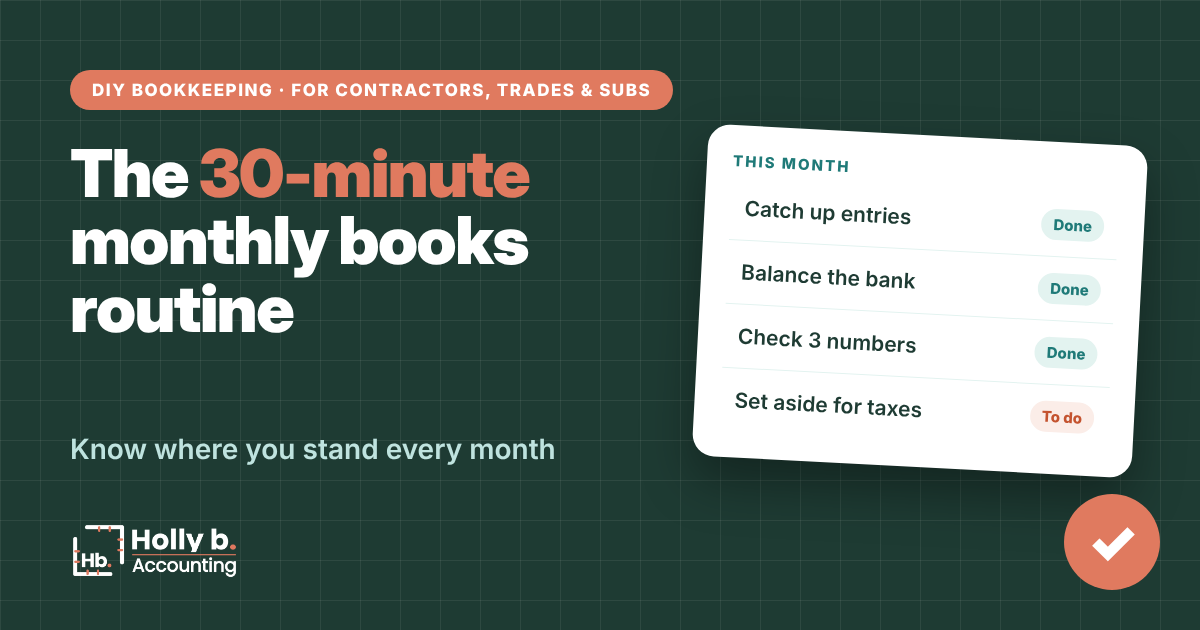
- Catch up (5 min). Enter anything you missed in your weekly habit (see the weekly transactions guide).
- Balance the bank (10 min). Mark each transaction Yes as you see it on the statement, then check the Statement Check tab (see the bank reconciliation guide).
- Balance the card. The Statement Check tab works for your card too. Pick your card in the Account dropdown and type the statement balance as a negative number (see the credit cards guide).
- Clear the coral flags. Missing categories, money in both columns, big expenses with no receipt.
- Move earned deposits. Started a job you took a deposit on? Add the two lines that move it from Customer deposit to Job income (see the customer deposits guide).
- Check 3 numbers (5 min). Gross margin, net profit and job profit (see the Profit & Loss guide).
- Set aside for taxes. Move the amount your CPA recommends into savings.
- Check your subs. W-9 and insurance on file before you pay anyone new (see the hiring subs guide).
- File the receipts. One folder per month (see the receipts guide).
- Jot one note. Anything odd this month, like a big purchase or a slow job, so you remember it at tax time.
In QuickBooks Online
The same routine in QuickBooks
- Go to Accounting, then Bank transactions, and clear the Pending tab for every bank and card.
- Reconcile each account to its statement under Accounting, then Reconcile (see the bank reconciliation guide).
- Apply customer deposits to the invoices for jobs you’ve started.
- Run the Profit and Loss report for the month and the year so far.
- Check job profit by customer or project.
- Attach any missing receipts to their transactions.
Spreadsheet vs. QuickBooks
Spreadsheet: the catch-up step takes longer because you type everything. Weekly entry keeps this to 30 minutes.
QuickBooks: the catch-up step is mostly reviewing. The rest takes about the same time.
Common mistakes
- Skipping a month. Two months is more than twice the work. Your memory fades fast.
- Balancing “close enough.” A small difference today can hide a bigger mistake.
- Looking at the numbers without acting. A job running thin this month is a pricing lesson for the next bid.
- Spending the tax money. Move it out of checking so it isn’t tempting.
Quick questions
When should I do my monthly books?
Right after your statements arrive, usually the first week of the month.
What if it takes longer than 30 minutes?
The first few months will. Once your weekly habit sticks, it gets quick.
How much should I set aside for taxes?
Ask your CPA for a percentage based on your situation. That’s their call, not a guess.
Do I need to do this if I use QuickBooks?
Yes. QuickBooks pulls in transactions, but it can’t tell if they’re right.
Holly b. is a construction bookkeeper who’s spent many years in contractors’ books. She writes these so you can do your own, or so you’ll know who to call if you’d rather not.
Leave a Reply