
⏱ Time: 15 minutes
Have open: Your contract or estimate, and the Job Profit tab
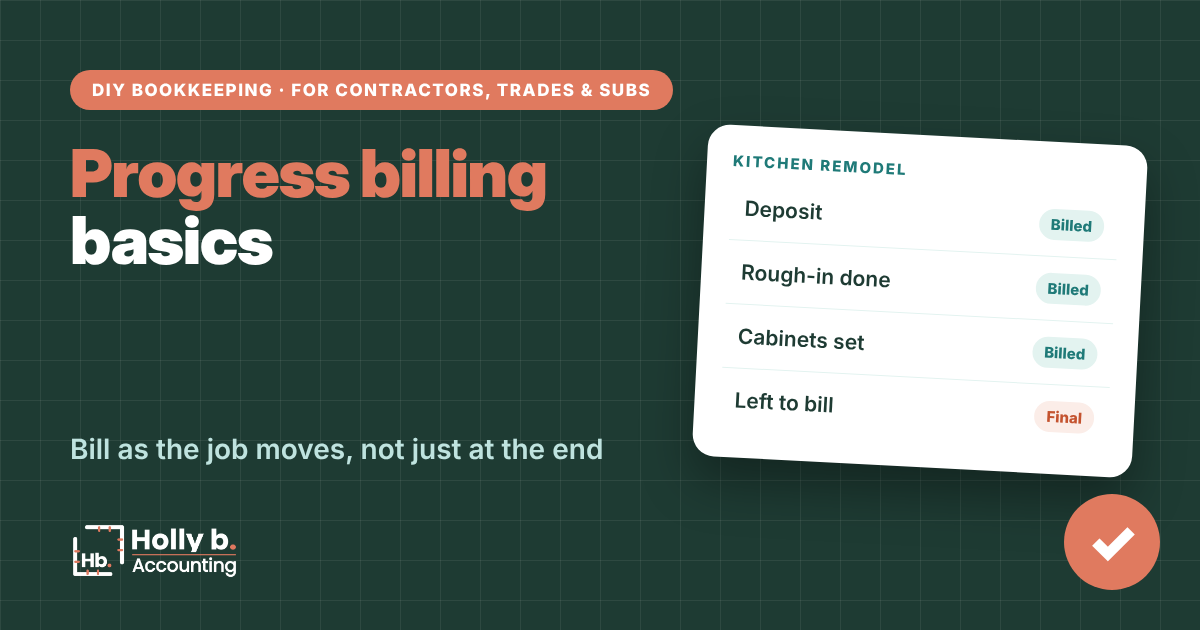
Progress billing means you bill a job in stages as the work gets done, instead of waiting until the very end and floating the whole thing yourself. It keeps cash coming in while you’re paying for materials, subs and payroll. (Your bank account will thank you!) The trick is knowing what you’ve billed and what’s left.
This uses the Job Profit tab in the Starter Spreadsheet from The Contractor’s Bookkeeping Toolbox. Its Left to bill column is your running “still to invoice” number.
Set your stages before the job starts
- By milestone: rough-in done, cabinets set, final walkthrough. Easy for homeowners to understand.
- By percent complete: common on commercial work. You bill the share of each line that’s done.
- By schedule: a set amount on set dates. Fine for long jobs with steady work.
Put the stages in the contract. A customer who agreed to the schedule up front pays faster than one who’s surprised by a bill.
Write each stage as a dollar amount, not just a percent, and tie it to something the customer can see, like cabinets installed. Clear stages mean fewer arguments about whether a bill is due.
Without QuickBooks
Track progress billing in the spreadsheet
- On the Setup tab, enter the full Contract amount for the job.
- Send each progress bill from whatever you use for invoices. The spreadsheet tracks money, not invoices.
- When a payment arrives, add it on Transactions as Job income, tagged to the job. Put the stage in What it was for, like “Kitchen progress payment 2.”
- Check Job Profit. Left to bill is the contract minus what you’ve been paid minus deposits you’re holding.
- Signed a change order? Update the contract amount on Setup so Left to bill stays right.

In QuickBooks Online
Progress invoicing in QuickBooks
- Go to Settings, then Account and settings, then the Sales tab.
- In Progress Invoicing, turn on Create multiple partial invoices from a single estimate.
- Create an estimate for the whole job.
- When a stage is done, create an invoice from that estimate and choose a percent or amount for each line.
- Run the Estimates & Progress Invoicing Summary by Customer report to see what’s left. See Intuit’s progress invoicing steps.

Spreadsheet vs. QuickBooks
Spreadsheet: you send invoices somewhere else, and Left to bill tracks what’s still coming.
QuickBooks: each progress invoice comes from the estimate, so the remaining balance updates itself.
Common mistakes
- Front-loading too hard. Billing way ahead of the work feels great, right up until the last stage won’t cover the finish work. Then it’s a gut punch.
- Forgetting change orders. If the contract amount isn’t updated, Left to bill is wrong, and you might leave money on the table.
- Billing late. Bill the day the stage is done. Every week you wait is a week you’re the bank!
- Mixing up deposits and progress payments. A deposit for work not started is held separately (see the customer deposits guide).
Quick questions
What’s the difference between progress billing and a deposit?
A deposit is paid before work starts. A progress payment is for work already done.
Can I do progress billing on small jobs?
Sure. Even a deposit plus a final bill is a simple version of it.
What does Left to bill include?
Everything on the contract you haven’t been paid yet or aren’t holding as a deposit. Retainage a GC is holding shows up here too.
Do I need QuickBooks for progress invoicing?
No. Any invoice tool works. QuickBooks just ties each bill back to the estimate for you.
Holly b. is a construction bookkeeper who’s spent many years in contractors’ books. She writes these so you can do your own, or so you’ll know who to call if you’d rather not.
Leave a Reply