⏱ Time: 5 minutes a month
Have open: Your Starter Spreadsheet’s Profit & Loss and Job Profit tabs
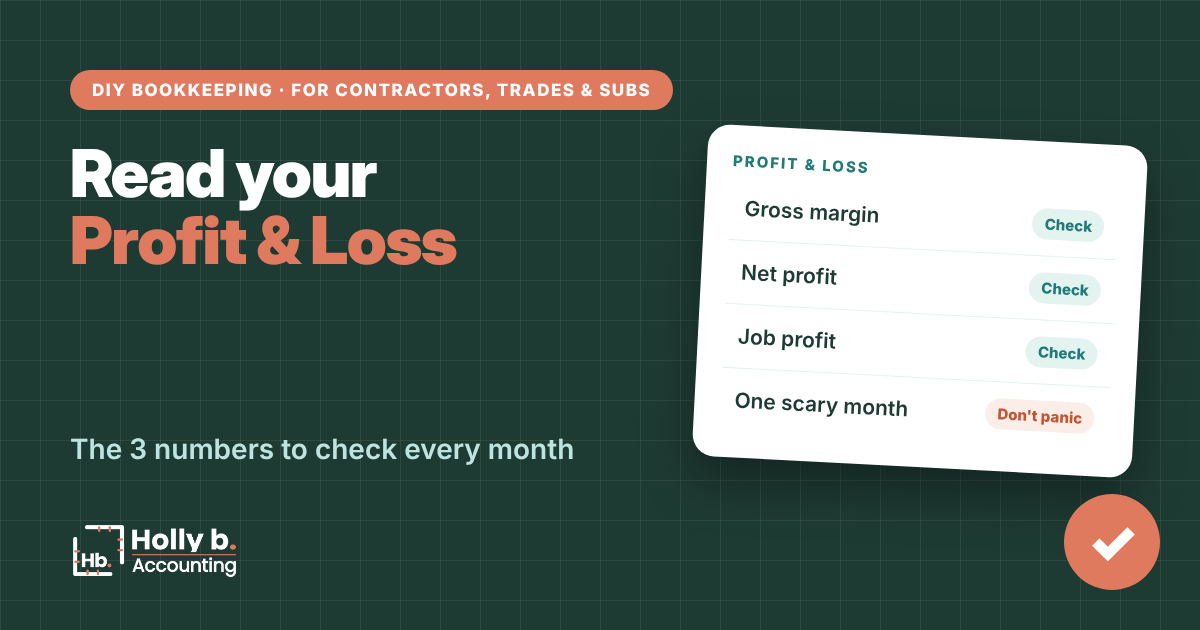
Knowing how to read your profit and loss turns your books from a chore into a decision tool. Three numbers tell you if you’re bidding right, if the business is making money, and which jobs are carrying the rest.
This walks through the read-only Profit & Loss and Job Profit tabs of the Starter Spreadsheet from The Contractor’s Bookkeeping Toolbox. They fill themselves in from your transactions.
The 3 numbers on your profit and loss
- Gross margin. Gross profit (income minus job costs) as a percent of income. It’s how much of each job dollar is left after the job is paid for. Dropping? Your bids are too low or jobs are running over.
- Net profit. What’s left after overhead too. This is what the business actually made.
- Job profit. Profit and margin for each job. Shows which kinds of work are worth chasing.
Why one month can look scary
Construction is lumpy. Buy materials this month and get paid next month, and this month looks like a loss. Look at the year so far before you panic, and judge each job when it’s done.

Without QuickBooks
Read the tabs
- Open Profit & Loss. Find Total income, Gross profit, Gross margin and Net profit for the month.
- Scan the year so far across the months. Look for the trend, not one month.
- Open Job Profit. For each job, check Paid to you so far, Job costs so far, Profit so far and Profit margin. These cover the whole job, even if it started last year.
- Check Deposits held (not earned yet). That’s money a customer paid up front that you haven’t earned. It stays out of profit until work starts.
- Check Left to bill: the contract, minus what you’ve been paid, minus deposits held. It’s what’s still coming.
- Remember overhead isn’t split across jobs. Job Profit compares jobs; the P&L shows the whole business.

In QuickBooks Online
The same numbers in QuickBooks
- Go to Reports and run Profit and Loss. Set the date range to this month, then the year so far.
- Gross profit only shows if your job costs use the Cost of Goods Sold account type (see the job costs vs. overhead guide).
- For job profit, use the project profitability report if your plan includes Projects, or run Profit and Loss by Customer.

Spreadsheet vs. QuickBooks
Spreadsheet: your P&L is cash basis. It counts money when it moves, so it’s simple but lumpy.
QuickBooks: you can switch between cash and accrual with one click. Accrual counts invoices and bills when they’re issued, which smooths out some of the lumps.
Common mistakes
- Judging the business on one month. Look at the year so far.
- Thinking profit means cash. Owner draws, loan principal and equipment purchases come out of the bank but not out of profit.
- Panicking over a job in the red before it starts. If you bought materials and the deposit isn’t earned yet, the job shows a loss for now. It flips once you earn the deposit (see the customer deposits guide).
- Ignoring a losing job type. If decks keep coming in thin, price them differently or stop chasing them.
- Never comparing. This month vs. last month is where the story is.
Quick questions
Why is my profit high but my bank account low?
Usually owner draws, loan principal or a big equipment purchase. They take cash but don’t lower profit.
What’s a good gross margin for contractors?
It varies a lot by trade and job type. Track yours over time and watch which way it moves.
Why doesn’t Job Profit include overhead?
So you can compare jobs fairly. Overhead gets covered by all of them together.
What does Left to bill mean?
Contract amount, minus what you’ve been paid, minus any deposit you’re holding. It’s the money still coming if the job wraps as planned.
Next up: How to reconcile your bank account
Holly b. is a construction bookkeeper who’s spent many years in contractors’ books. She writes these so you can do your own, or so you’ll know who to call if you’d rather not.
Leave a Reply