You did the work. You sent the invoice. And then… crickets. 🦗
Unpaid invoices are one of the biggest reasons good contractors feel broke. The money is technically yours, it’s just sitting in someone else’s bank account. The A/R aging report shows you exactly who has it and how long they’ve had it. And checking it takes about five minutes.
The short answer
An A/R aging report lists every unpaid customer invoice, sorted by how many days past due it is: current, 1 to 30, 31 to 60, 61 to 90, and over 90. Once a week, run it, look at the right-hand columns first, make sure it’s accurate, and call your three biggest or oldest balances.

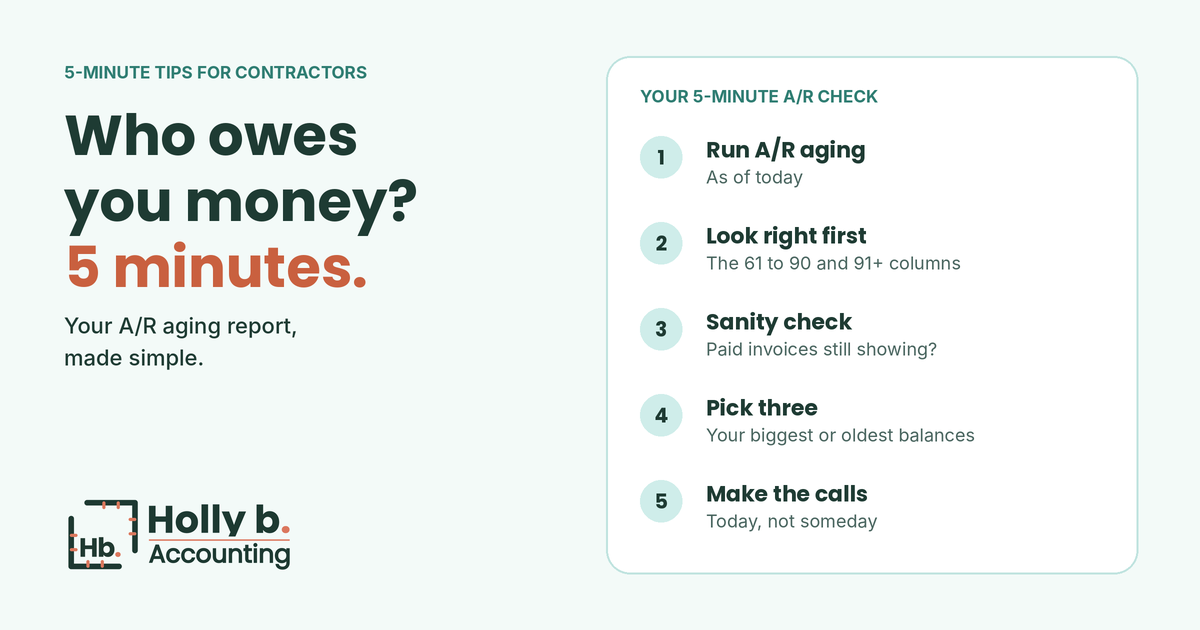
Minute 1: Run the report
In QuickBooks Online, search the reports for A/R aging summary. Run it as of today. The summary shows one line per customer, which is perfect for a quick check. (The detail version lists every invoice, for when you need to dig in.)
Minute 2: Look right first
Skip the “current” column. Those invoices aren’t late yet! Go straight to the right side: 61 to 90 and 91 and over. That’s the money most at risk. The longer an invoice sits, the harder it usually gets to collect.
Minute 3: Sanity check it
Before you call anyone, make sure the report is right. Nothing’s more awkward than asking a customer for money they already paid you. 😬 Look for:
- Invoices that were paid but never matched to the payment. This is super common when a payment gets recorded as a plain deposit.
- Old invoices that were never really owed, like a duplicate or a change order the customer never approved.
- Retainage mixed in with regular invoices. Retainage isn’t late until the job closes out, so it’s easier to track separately.
Minute 4: Pick three
Don’t try to chase everyone at once. Pick your three biggest or oldest balances. Those are the calls that move the needle on your cash this week.
Minute 5: Make the calls (or send the texts)
Keep it friendly and simple. Something like: “Hi! Just checking in on invoice #1042 from the kitchen job. Did it come through okay? Anything you need from me to get it paid?” Most late payments are about a lost email or a question nobody asked, not a customer trying to stiff you.
Ways to keep A/R from piling up
- Invoice the day you hit the milestone, not at the end of the month.
- Turn on online payments so paying you is one click.
- Put payment terms in your contract and on every invoice.
- Set up automatic reminders in QuickBooks for overdue invoices.
- Check this report every week, same day, same time. Put it on the calendar!
A/R is one of the five places contractors’ cash hides. Here are the other four: profitable but broke. And it shows up on your balance sheet too. (Here’s how to read that in 5 minutes.)
How I make this easier
Every month, I match up payments so your A/R is actually accurate, and my clients get an A/R aging report in their month-end package by the 15th, with the late ones flagged right on their dashboard. See a sample month-end package.
Is your A/R report telling the truth?
Start with a free books health check. You’ll get a score, your top risk areas, and a straight answer on what it would take to clean things up. No pressure, and no judgment. Promise!
This post is general information, not legal or financial advice. Holly b. Accounting is a bookkeeping firm, not a CPA firm. The sample report uses a fictional company and made-up numbers.
Leave a Reply